
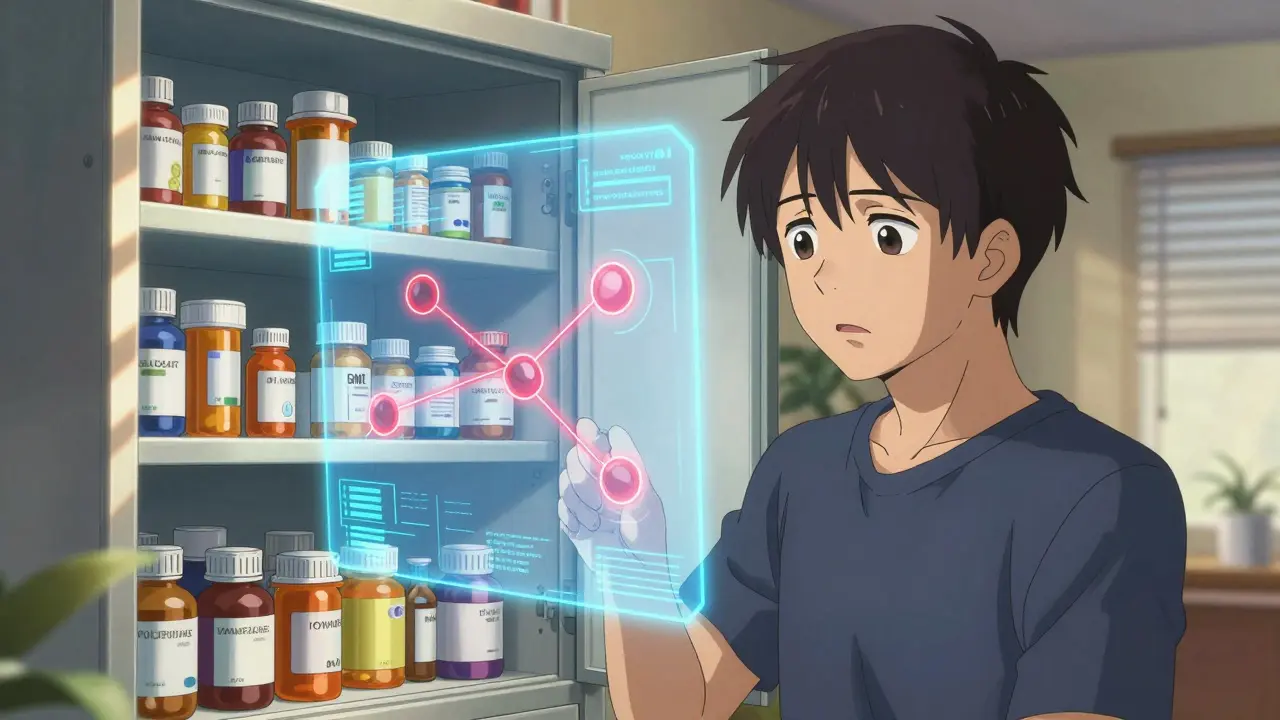
The Hidden Danger in Your Medicine Cabinet
Approximately 6.7% of all hospital admissions result from adverse drug events, many of which could have been prevented. When you take more than one medication, the risk isn't just additive; it's multiplicative. One pill can silence the effect of another, or worse, trigger a dangerous reaction like serotonin syndrome. This is where Drug Interaction Checkers, specialized software designed to flag these risks before they happen, become essential. However, relying blindly on a digital screen carries its own risks. Understanding how these tools work, their limitations, and which ones actually provide accurate data is critical for your health.
What Actually Drives These Tools?
At their core, these systems run complex algorithms against massive databases. They aren't guessing; they are comparing the chemical pathways your medications use in your body. When you input two drug names, the system checks three main areas: pharmacokinetic interactions (how one drug changes the metabolism of another), pharmacodynamic interactions (how the drugs affect the same body function), and drug-condition interactions (how a medication might harm an existing health issue like kidney disease).
Polypharmacy is the concurrent use of multiple medications, often defined as taking five or more prescription drugs. As this practice becomes more common among older adults-who average nearly 4.8 prescriptions-the need for automated checking grows. A single app cannot replace a pharmacist, but a good checker acts as a second pair of eyes.
Comparing Accuracy Across Major Platforms
Not all checkers are built equally. A major study published by the National Institutes of Health (NIH) in 2016 evaluated five dominant systems: Lexi-Interact, Micromedex, iFacts, Medscape, and Epocrates. The results were telling. While iFacts scored perfectly on comprehensiveness (134 out of 134 points), other tools showed gaps.
- Medscape: Showed an accuracy rate of roughly 49%. It is widely used but misses nearly half of potential high-risk interactions compared to gold standards.
- Epocrates: Scored about 60.3% accuracy. It is popular for its mobile interface but often flags too few warnings.
- Micromedex: Demonstrated high specificity (78%), meaning it rarely gives false alarms, but may miss some subtle interactions.
- Lexi-Interact: Offered high sensitivity (77%), catching most issues but sometimes generating "noise" with less clinically significant alerts.
| Tool Name | Accuracy Rate | Primary Strength | Best For |
|---|---|---|---|
| Lexi-Interact | 77% Sensitivity | Comprehensive Screening | Clinical Settings |
| Micromedex | 78% Specificity | Precision Warnings | Hospital Integration |
| Drugs.com | Free Consumer Access | User Experience | General Public |
| University of Liverpool | Disease-Specific | Covid/Infectious Disease Focus | Specialist Care |
For the average patient, free consumer-facing tools like WebMD and Drugs.com are accessible options. However, professional-grade tools integrated into Electronic Health Records (EHRs) generally offer better precision because they pull directly from your medical history.
Step-by-Step Guide to Using a Checker
To get reliable results, you need to treat the tool like a lab test-precise input yields precise output. Follow this workflow to ensure you aren't missing anything:
- Compile a Master List: Gather every single substance you consume. This includes daily prescriptions, occasional painkillers, vitamins, herbal teas, and protein powders. Supplements account for approximately 23% of clinically significant interactions yet are often omitted by users.
- Select the Right Tool: If you are a professional, use Epic or similar EHR-integrated checkers. For personal use, Drugs.com Medication Checker allows both brand and generic names, reducing confusion.
- Input Everything Manually: Do not assume the system knows what you bought at the store. Enter generic names where possible (e.g., acetaminophen instead of Tylenol) to avoid database mismatches.
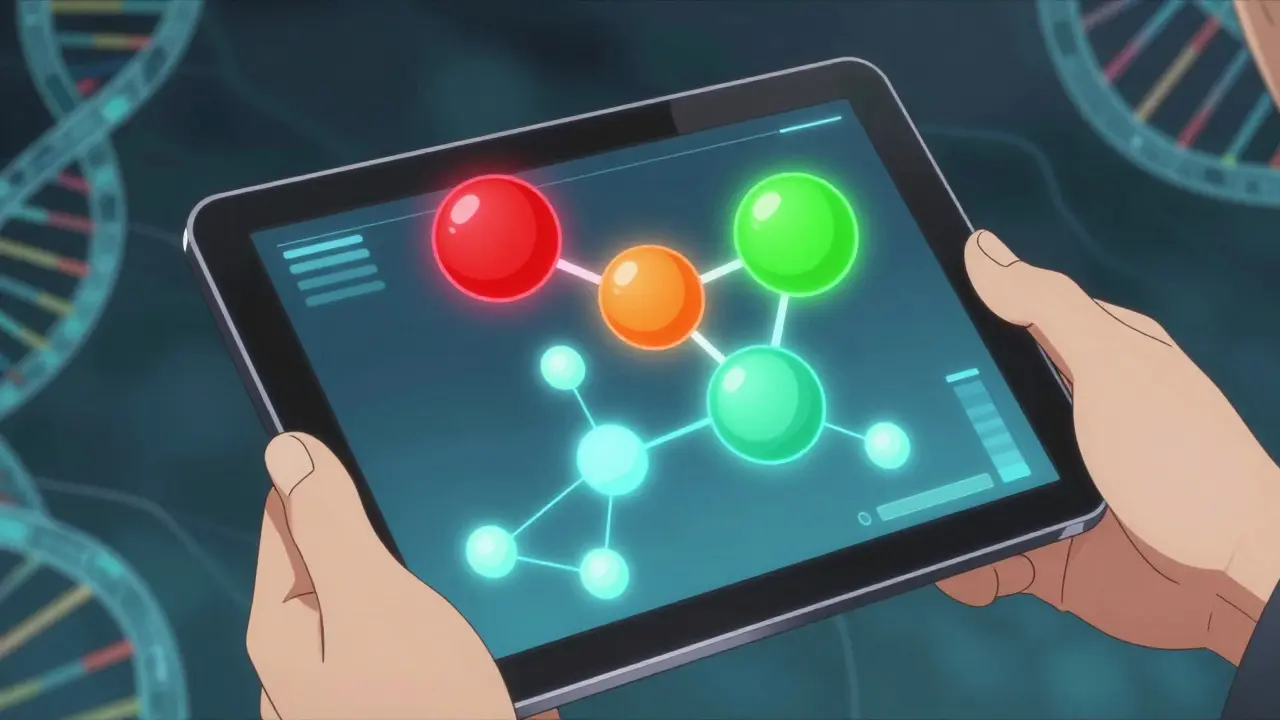
- Decode the Color Code: Many tools use visual signals. For instance, the University of Liverpool's checker uses a red circle for "Do Not Combine," orange for "Monitor Closely," yellow for "Weak Interaction," and green for "Safe." Treat red and orange as immediate reasons to consult a doctor.
- Verify with a Human: Even the best tool has limits. Take the flagged interactions to a pharmacist. Ask specifically about severity, not just existence.
Understanding Limitations and False Alarms
The greatest risk of these tools isn't that they fail to warn you, but that they cause "alert fatigue." Studies suggest that roughly 45% of alerts generated in hospital settings are dismissed as clinically irrelevant. This happens because theoretical interactions don't always manifest in real bodies.
However, the reverse error is dangerous. Some checkers struggle with new medications. The FDA notes that no current checker has been validated to replace a pharmacist review for regimens involving five or more medications. Furthermore, newly approved drugs haven't always been tested against every possible combination, so a "clean" result doesn't guarantee safety forever.
Another gap is the context of your health. Standard checkers focus heavily on drug-drug interactions. They often overlook drug-food interactions unless specifically asked about them. For example, eating grapefruit while on certain statins can spike drug levels to toxic ranges, a factor some basic checkers miss entirely.

The Role of AI and Future Trends
The landscape is shifting toward Artificial Intelligence. In early 2023, the NIH funded a project called DDI-AI to apply machine learning to adverse event databases. Early trials show an 18.3% improvement in sensitivity compared to traditional rule-based systems. By 2024, systems like Epic's "InteractionGuard" began analyzing dosing schedules in real-time, moving beyond simple compatibility checks to temporal analysis.
This evolution means the tools we use today are becoming smarter but also more complex. While AI can predict novel interactions that weren't previously documented, human oversight remains non-negotiable. The future goal is integration, where the checker works silently in the background of your care team's workflow rather than requiring manual entry every time you pick up a new bottle.
Frequently Asked Questions
Are online drug interaction checkers safe to rely on?
They are useful screening tools, but not definitive diagnostic instruments. They can catch obvious errors but may miss rare interactions or those dependent on your specific medical history. Always verify flagged issues with a pharmacist.
Why does my checker say a food interacts with my medicine?
Certain foods contain chemicals that block liver enzymes responsible for breaking down drugs. Grapefruit, alcohol, and dairy are common culprits. If you see a food warning, ask your doctor about timing your doses away from meals.
Which tool is most accurate for patients?
For general consumers, Drugs.com and WebMD offer solid free versions. Professionals often prefer Lexi-Interact or Micromedex for higher sensitivity, though these require subscriptions and are found within hospital networks.
Does the tool cover herbal supplements?
Many standard checkers lack comprehensive supplement databases. St. John's Wort and ginseng, for example, interact with many prescriptions. Be explicit when entering these ingredients to ensure they are checked.
Can I stop a doctor from prescribing a drug based on a checker warning?
You shouldn't unilaterally stop medication without consultation. Often, a doctor can mitigate the risk by changing the dose or adding a monitoring plan rather than stopping the necessary treatment entirely.


We need to discuss the actual pharmacokinetics involved here. It isn’t just about checking two pill names side by side. You have to understand the cytochrome p450 enzyme families. These biological processors handle the vast majority of drug metabolism. When you introduce a second agent, you change the substrate availability. Competitive inhibition is the most common mechanism observed. Sometimes induction speeds up the clearance rate too much. This results in subtherapeutic levels before you even notice symptoms. Renal function plays a massive secondary role in excretion rates. Older populations often have diminished glomerular filtration capacity. Standard dosing becomes risky without adjustment factors. Albumin binding sites also get saturated during polypharmacy events. Free drug concentration spikes can cause sudden toxicity. Most algorithms miss the protein binding displacement variable entirely. You really need to look at the therapeutic index margins.
Good luck finding a tool that doesn’t hallucinate a risk.
data is merely a construct of perception shaped by those who code the matrix. they say sensitivity matters but specificity defines reality. ignoring the philosophical underpinnings of medical software leads to blind obedience. truth exists beyond binary flags in a database.
This is absolutely amazing news for patient safety!!! We finally have tools that can help us save lives!!! Technology is our friend if we use it right!!! Just remember to stay positive and trust the progress!!!
You’re ignoring the fact that 45% of alerts are useless garbage. The study cited is outdated anyway. Nobody checks the primary source code. It’s just marketing fluff for healthcare providers trying to cover liability. Don’t trust the numbers.
Just take everything to your pharmacist before mixing them. They have the full picture of your history. Simple steps work best for safety. Do not stop meds suddenly without talking to a pro. Keep lists updated always.
The implementation of automated systems requires rigorous validation protocols. Regulatory bodies must enforce strict standards for database accuracy. Clinical integration depends heavily on interoperability metrics.
i understand the frustration with false alarms. it happens to the best of us. just keep communicating with the care team. safety comes first. we got this.
We need to push harder for AI integration right now! The future is already here and we are holding back! Every delay costs lives! Stop being afraid of progress and embrace the algorithm! Human error is the real killer! Machines do not tire or forget! We must demand these tools in every clinic! Ignoring innovation is negligence! Let’s fix this system aggressively! The potential is limitless!
here in india many lack internet access so free tools matter more than paid ones. cost is a big barrier. hope developers think about low income areas too.
I think you are overestimating the danger of single mistakes. People survived centuries without computers. Now we blame software for things doctors ignored. Maybe we should rely less on screens. The body adapts better than we think.
I remember when my grandmother had six different prescriptions in her bag. She would try to organize them into little daily boxes manually. Nothing ever matched up with what she actually took at night. Her doctor never knew about the over the counter painkillers. She thought ibuprofen was just food and not medicine really. That kind of confusion is what kills people silently today. We have apps now but nobody looks at the warning signs. Everyone just clicks through the red warnings because they want the drug. It feels like noise after you see enough alerts over time. Fatigue sets in and you stop trusting the software completely. Then you go back to dangerous guessing games again. Technology needs to work harder to filter out the useless stuff. We cannot afford to have false alarms blocking real care paths. Integration into electronic health records is the only true solution. Otherwise we are just passing digital notes without safety nets.
You sound naive if you think machines replace humans easily. Experience beats code every time. Real knowledge takes years to earn. Don’t expect shortcuts. Smart people know the limits.
The stakes are literally life or death in this scenario. I feel overwhelmed just reading about the statistics. It makes me wonder if any doctor truly cares anymore. The weight of responsibility seems to have vanished. Someone needs to own this outcome directly.
Don’t panic but realize the risks are real. Balance is the only way forward. Push for better checks but stay grounded. We need calm heads here. Aggression helps nothing in medicine.