Emergency Medication List Generator
Patient Information
Add Medication
Emergency Info Preview
Your Name
Emergency Medical Information
| Medication | Dose | Freq | Purpose | |
|---|---|---|---|---|
| No medications added yet. | ||||
Quick Takeaways
- Purpose: Prevents adverse drug interactions and speeds up emergency room triage by 15-20 minutes.
- Essential Data: Must include drug names, strengths, dosages, purpose, and your current allergies.
- Format Options: Choose between a physical wallet card for universal access or a smartphone Medical ID for speed.
- Maintenance: Update the list immediately after any prescription change to avoid dangerous dosing errors.
Why Your Medication List Matters in a Crisis
When you're unconscious or disoriented, doctors have to make split-second decisions. If they don't know you're taking a blood thinner like Warfarin, administering certain emergency meds could lead to internal bleeding. This isn't just about prescriptions, either. Vitamins, herbal supplements, and over-the-counter (OTC) drugs can all interfere with hospital treatments.
Having this data ready reduces the "guessing game" in the emergency department. Research shows that having a clear list can shave nearly 20 minutes off the initial evaluation time. In the "golden hour" of emergency care, every single minute counts. Plus, for those taking five or more medications-a common scenario for adults over 65-the risk of a medication discrepancy during hospital admission drops by 37% when a list is present.
What Exactly Goes on the Card?
A haphazard list of drug names isn't enough. To be clinically useful, your card needs specific attributes. If you're following FDA or CDC guidelines, you should include the following for every single substance you ingest:
- Drug Name: List both the brand name and the generic name to avoid confusion.
- Strength and Dose: Don't just write "one pill." Write "5mg" or "20mcg."
- Purpose: Why are you taking it? (e.g., "for high blood pressure").
- Frequency: How often do you take it and at what time of day?
- Allergies: List the drug and the specific reaction (e.g., "Penicillin - Hives").
- Critical Health Data: Include your blood type, chronic diagnoses (like Diabetes or Heart Failure), and your resuscitation policy (Code Status).
For parents, the Children's Hospital of Philadelphia suggests adding the child's weight in kilograms and the date it was last recorded, as pediatric dosages are strictly weight-based.
Choosing Your Format: Paper vs. Digital
You have two main paths here: the old-school wallet card or the modern smartphone ID. Neither is perfect, but both have a place in a solid safety plan.
| Feature | Paper Wallet Card | Smartphone Medical ID |
|---|---|---|
| Accessibility | Universal (no battery needed) | Lock-screen access (requires power) |
| Update Speed | Slow (requires rewriting/erasing) | Instant (digital edit) |
| Reliability | High (doesn't crash) | Medium (screen can break) |
| Usage Rate | 78% accessed in unconscious cases | 32% accessed in unconscious cases |
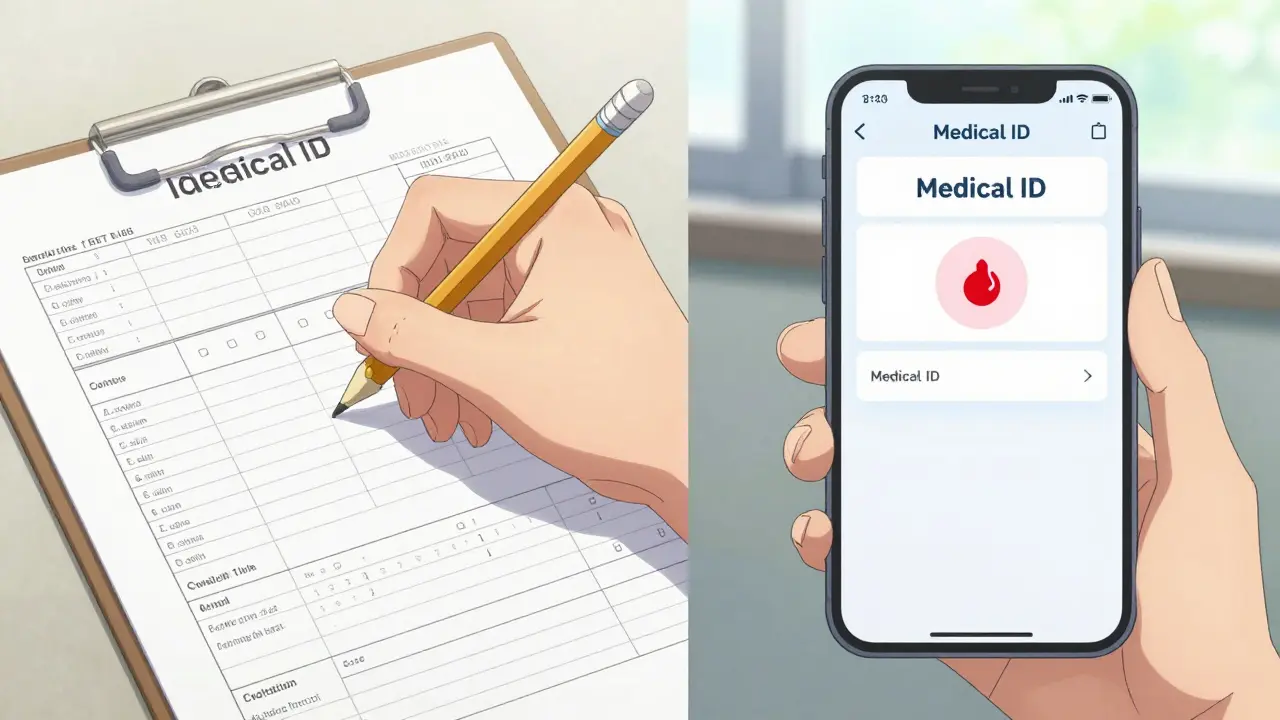
If you go the paper route, the CDC suggests using a pencil. Why? Because your medications change. Using a pen means you'll likely cross things out until the card is illegible. If you prefer digital, both Apple and Android have built-in features. For iPhone users, this is found in the Health app under Medical ID; Android users find it in the emergency information settings.
Step-by-Step: Building Your List from Scratch
Creating your first list takes about 20 minutes. It's a small time investment for a massive safety payoff. Here is the most effective way to do it:
- The Great Gather: Get every single bottle in your house. This includes your prescriptions, the vitamins you take every morning, your daily aspirin, and that herbal tea for sleep. If you swallow it, it goes on the list.
- Verification: Don't guess the dosage. Look at the pharmacy label. If you're unsure why you're taking something, call your pharmacist. They are the best resource for verifying generic names and strengths.
- Drafting: Use a template like the FDA's "My Medicines" form. Organize it by medication type or time of day to make it easier for a paramedic to scan quickly.
- The Review: Show the list to your doctor during your next visit. This ensures the list matches the medical records they have on file.
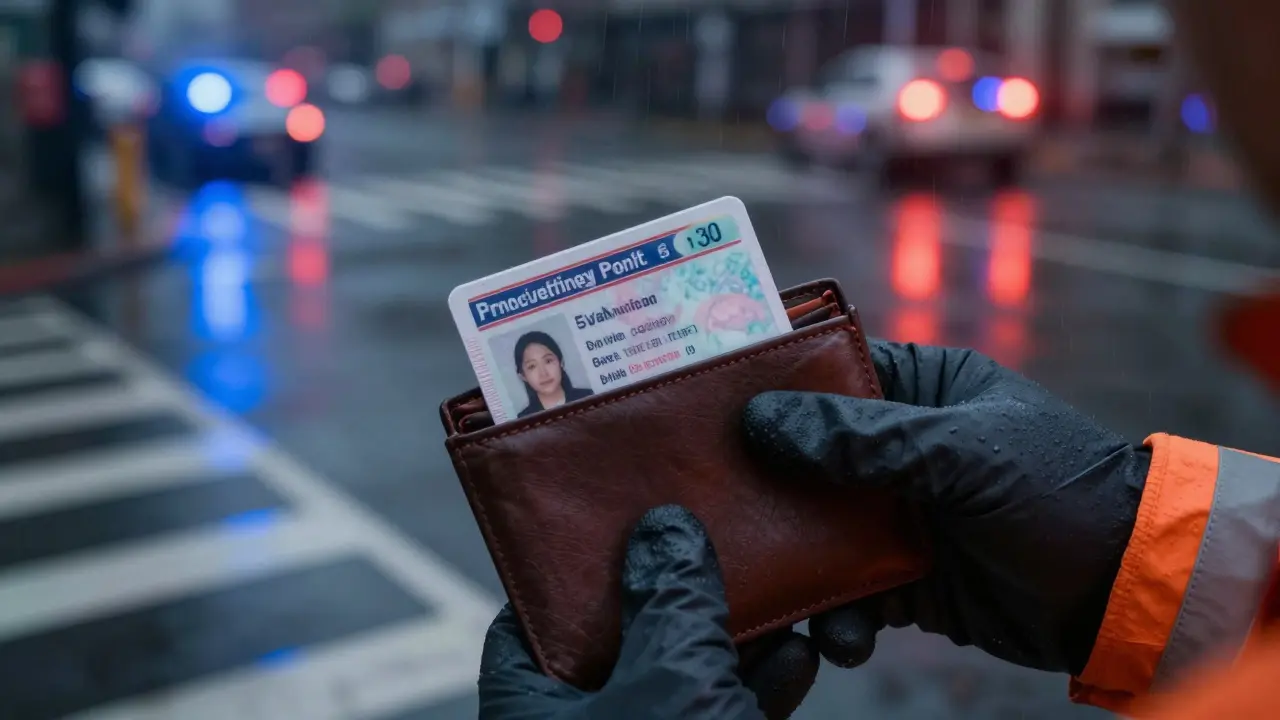
- Placement: Put the physical card in your wallet behind your ID. Set up your smartphone Medical ID so it can be accessed without unlocking the phone.
The Danger of the "Set It and Forget It" Mentality
An outdated medication list is actually more dangerous than having no list at all. If a doctor sees you are taking a drug you actually stopped six months ago, they might treat you for a condition you no longer have or avoid a life-saving medication because they think it will interact with a drug you're no longer taking.
One real-world example involves an 82-year-old woman whose daughter kept a paper list for her. Because the list wasn't updated after a dosage change, she suffered a 36-hour hospitalization due to incorrect insulin dosing. The lesson is clear: the moment your doctor changes a dose or switches a drug, your card must be updated. Treat it like a passport-it's only useful if the information is current.

Integrating Your List into a Broader Safety Plan
A medication list is just one piece of the puzzle. To truly protect yourself, connect this list to other safety measures. For instance, share your digital Medical ID with a trusted family member. If you're traveling, keep a copy of your list in your luggage and a digital copy in the cloud.
If you're managing a complex health situation, such as a kidney transplant, this list becomes your lifeline during disasters. During Hurricane Ida, some patients credited their wallet cards with ensuring they didn't lose access to critical anti-rejection medications while displaced. It's not just about the hospital; it's about continuity of care when your life is turned upside down.
Does my medication list need to include vitamins and supplements?
Yes, absolutely. St. John's Wort, Ginkgo Biloba, and even high-dose Vitamin K can interfere with prescription medications like blood thinners or antidepressants. Anything you take regularly can potentially affect how emergency drugs work in your body.
Is my digital medical information protected by HIPAA?
Generally, no. Personal medication lists that you maintain yourself-whether on a piece of paper or in a phone app-are not covered by HIPAA. HIPAA applies to healthcare providers and insurance companies. While this means your data is more "exposed" in an emergency, it's exactly what allows first responders to access it quickly.
What should I do if I can't remember the generic name of my drug?
The easiest way is to check the prescription bottle; the generic name is usually printed in smaller letters beneath the brand name. If it's not there, a quick call to your pharmacist will give you the exact generic name and strength.
How often should I update my emergency card?
You should update it immediately every time a medication is added, removed, or the dosage is changed. A good rule of thumb is to review and verify your list with your doctor at every single healthcare appointment.
Can I just use a photo of my pill bottles on my phone?
While better than nothing, photos are inefficient. A paramedic can't easily scroll through a gallery to find ten different bottles while performing CPR. A structured list-whether digital or paper-is far faster to read and reduces the chance of a critical error.
Next Steps for Your Safety Plan
Depending on your health needs, your next steps will vary:
- For Seniors or Those with Chronic Illness: Prioritize a physical card in your wallet. Since digital literacy can be a barrier and phones can die, a physical backup is non-negotiable.
- For Tech-Savvy Adults: Set up the Medical ID on your smartphone today. Ensure your emergency contacts are linked so that they are notified if you're admitted to the hospital.
- For Caregivers: If you manage meds for a loved one, create a card for them and keep a duplicate in your own wallet. Ensure their phone is configured with a lock-screen medical profile.