
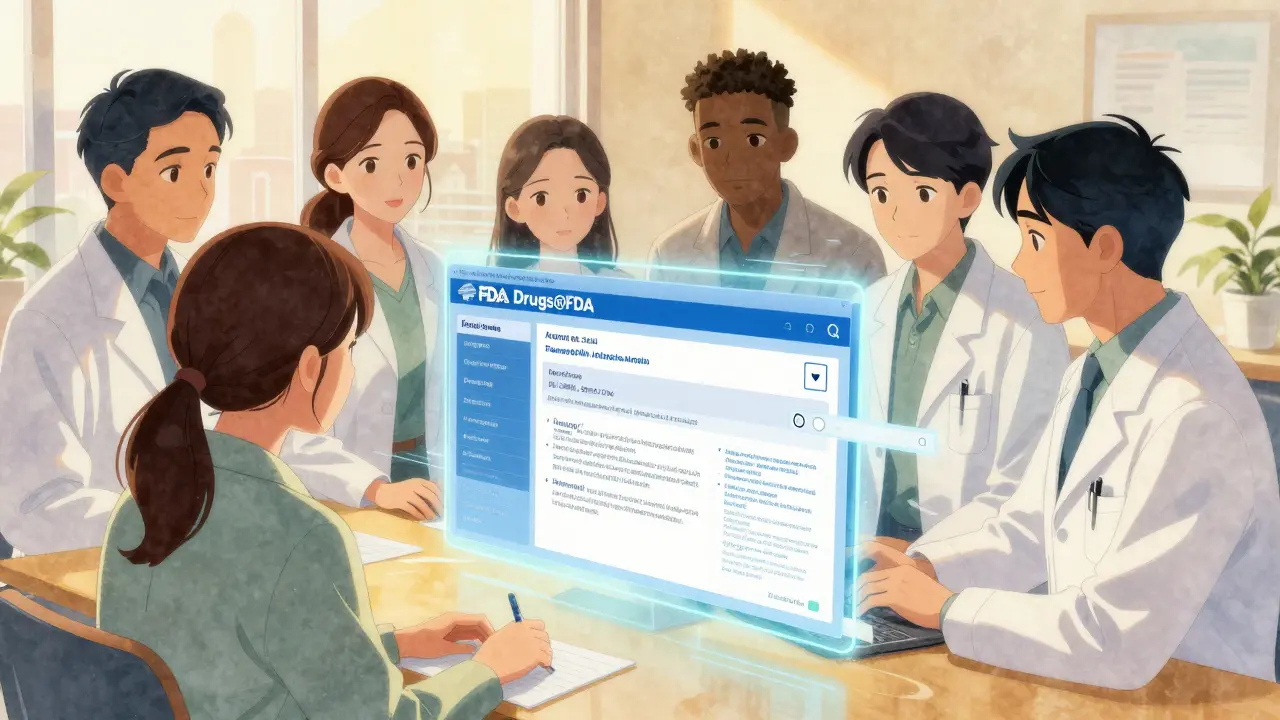
Drugs@FDA Search Simulator
Search Simulation Tool
Try different search approaches to see how they return different results. This tool simulates the FDA's Drugs@FDA database search behavior.
How This Works
When you search with different parameters, you get different results:
Brand Name Search
Search for "Zestril" returns only products with that brand name. It won't show other products containing the same active ingredient like "Lisinopril".
Generic Name Search
Search for "Lisinopril" returns all products containing this active ingredient, including brand names (Zestril, Prinivil) and combo drugs (Zestoretic).
Application Number Search
Search for "NDA 020472" returns the specific drug approval record for that product.
Knowing when a drug was approved, what’s in it, or whether a brand name has a generic version can matter a lot-whether you’re a patient, a pharmacist, or a caregiver. The Drugs@FDA database is the U.S. Food and Drug Administration’s official public tool for finding this kind of information. It’s not a marketing site. It’s not a drug review blog. It’s the raw, regulatory record of every human drug approved in the U.S. since 1939. And it’s free, open, and updated every single day.
What You’ll Find in Drugs@FDA
Drugs@FDA doesn’t just list drug names. It gives you access to the full regulatory file for each approved product. For drugs approved since 1998, you’ll see:
- The official prescribing information (the full drug label)
- Patient medication guides
- Approval letters from the FDA
- Review summaries from FDA medical and pharmacology experts
- Correspondence between the drug company and the FDA
Even for older drugs-those approved before 1998-you’ll still get the approval date, the active ingredient, and the application number. That’s enough to track down whether a drug is still on the market or if its approval was withdrawn.
It covers everything from common pills like metformin to complex biologics like Humira. It includes brand names, generics, combination drugs, and even some discontinued products. The database holds records for about 20,000 approved human drugs. And unlike other FDA tools, it goes back decades. That’s rare. Most databases only show recent data.
How to Search: Three Ways to Find What You Need
You don’t need to be a scientist to use Drugs@FDA. But you do need to know which search method works for what you’re looking for. There are three main ways to search:
1. Use the Homepage Search Box
This is the easiest and most powerful way. Go to fda.gov/drugsatfda and type into the big search box at the top.
You can search by:
- Brand name (like Zoloft, Lipitor, or Humira)
- Generic name (like sertraline, atorvastatin, or adalimumab)
- Active ingredient (even if it’s part of a combo drug)
- Application number (NDA, ANDA, or BLA-this is for advanced users)
Try searching for “lisinopril.” You’ll see all products containing it: Zestril, Prinivil, Qbrelis, and even combo pills like Zestoretic. The search box finds them all. That’s the advantage over the A-Z index.
2. Use the A-Z Index (Use With Caution)
The A-Z index looks simple: click a letter, scroll through drug names. But it’s misleading.
Searching for “LISINOPRIL” in the A-Z index will only return products where “lisinopril” is listed as the primary name. It won’t show you Zestril or Qbrelis. It won’t show you Zestoretic. That’s because the A-Z index is built on a different system-it’s meant for browsing, not searching.
Use the A-Z index if you’re just exploring. Don’t use it if you’re trying to find every product with a certain ingredient. The homepage search box is always better.
3. Search by Application Number
If you know the NDA, ANDA, or BLA number (for example, NDA 020472), you can paste it directly into the search box. This is how regulatory professionals, pharmacists, and researchers find exact records quickly. Application numbers are usually printed on the FDA’s approval letters or in official documents.
You can find these numbers in the “Application Number” field on any Drugs@FDA result page. Save them if you’re doing repeated research.
What Drugs@FDA Doesn’t Show
It’s important to know what this database doesn’t cover-so you don’t waste time looking for something that isn’t there.
- Animal drugs - Those are in a separate database called Animal Drugs@FDA.
- Detailed patent info - Drugs@FDA lists patent numbers, but not expiration dates or legal disputes. For that, use the Electronic Orange Book.
- Section-by-section label searches - Want to find all drugs with a boxed warning about liver damage? Drugs@FDA won’t let you do that. Use FDALabel instead.
- Biologics only - The Purple Book is the go-to for biologics like vaccines and monoclonal antibodies. Drugs@FDA includes them, but the Purple Book gives more detail.
Think of Drugs@FDA as your first stop. It tells you: Is this drug approved? When? Who made it? What’s in it? Then, if you need more-like patent dates or specific warnings-you move to another tool.
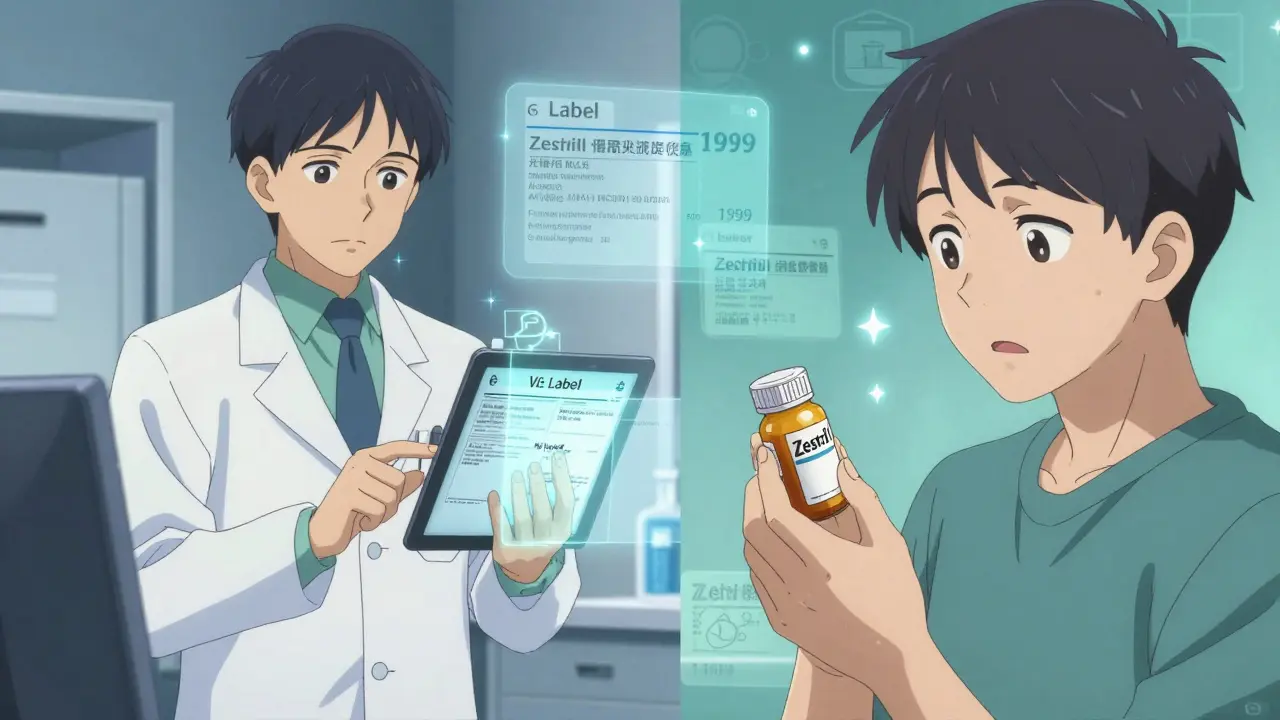
Real-World Uses
People use Drugs@FDA every day for real reasons:
- A pharmacist checks if a new generic version of a drug was approved before filling a prescription.
- A patient looks up their medication to confirm it’s not a recalled product.
- A researcher compiling data on diabetes drugs uses it to verify approval dates for a study.
- A healthcare provider answers a patient’s question: “Was this drug approved before 2010?” in seconds.
One pharmacist told the FDA: “I used to call the agency just to ask when a drug was approved. Now I just check Drugs@FDA. It saves me 15 minutes every time.”
Pro Tips for Better Results
- Try both brand and generic names. If you search for “Lipitor,” you’ll find it. But if you search for “atorvastatin,” you’ll find all the generics too.
- Use quotes for exact phrases. Searching for “Zestril and hydrochlorothiazide” will give you better results than just typing the words.
- Check the approval date. A drug approved in 1999 might have different labeling than one approved in 2020.
- Download the label. Click “View Label” to get the full prescribing info as a PDF. Keep it for reference.
- Bookmark the results. The URL changes with your search, so save it if you’ll need it again.

How It Compares to Other FDA Tools
Drugs@FDA isn’t the only FDA drug database. Here’s how it stacks up:
| Tool | Best For | Limitations |
|---|---|---|
| Drugs@FDA | Approval history, full labels, application documents | Can’t search within label sections (e.g., “side effects”) |
| FDALabel | Searching for specific label sections (e.g., boxed warnings, pregnancy risks) | Only includes drugs approved since the 2000s |
| Electronic Orange Book | d>Therapeutic equivalence, patent status, exclusivity | Only covers approved generics |
| Purple Book | Biologics (vaccines, antibodies, insulin analogs) | Doesn’t cover small-molecule drugs |
Most users start with Drugs@FDA. If they need more, they move to one of the others. It’s like using Google Maps to find a city, then switching to a detailed street map once you’re there.
Common Mistakes to Avoid
- Using the A-Z index for detailed searches. It’s outdated for this purpose.
- Assuming all brand names are listed. Some older brands were discontinued and don’t appear unless you search by ingredient.
- Not checking the approval date. A drug approved in 2005 might have different dosing than one approved in 2023.
- Forgetting combination products. If you’re looking for a drug like “Zestoretic,” you need to search for both ingredients: “lisinopril and hydrochlorothiazide.”
Final Thoughts
Drugs@FDA is one of the most underused public health tools out there. It’s not flashy. It doesn’t have animations or user reviews. But it’s accurate, official, and free. If you’re ever in doubt about a drug’s approval status, history, or contents-go here first. It’s the closest thing to the FDA’s internal records that the public can access.
And if you’re still unsure? The FDA has videos and guides on their website. No registration. No cost. Just clear instructions.
Is Drugs@FDA free to use?
Yes. Drugs@FDA is completely free and requires no registration, login, or subscription. It’s publicly funded and open to anyone, anywhere in the world.
Can I find generic drugs on Drugs@FDA?
Yes. Generic drugs are listed under their active ingredient and are marked with an ANDA (Abbreviated New Drug Application) number. You can also find them by searching the brand name they copy-like searching for “Lipitor” to find atorvastatin generics.
Does Drugs@FDA include over-the-counter (OTC) drugs?
Only if they were approved through an NDA or ANDA process. Most OTC drugs follow the OTC Monograph system and are not listed here. For OTC drugs, check the FDA’s OTC Drug Product Listing database.
Why can’t I find my drug on Drugs@FDA?
Your drug might not be FDA-approved. It could be an unapproved product, a dietary supplement, or a foreign product not sold in the U.S. Drugs@FDA only includes drugs legally approved for sale in the United States.
How often is Drugs@FDA updated?
The database is updated daily. New approvals, label changes, and regulatory actions appear within 24 hours of being finalized by the FDA.

just typed in "lipitor" and it pulled up like 12 different generic versions... i had no idea. saved me a call to my pharmacist. thanks for this.
also... why is this not on google's first page? it's like the internet forgot this exists.
it’s strange how something so vital-like knowing what’s really in your medicine-is buried under layers of corporate websites and marketing fluff.
the fact that this exists, untouched and unsexy, feels almost radical in a world where everything needs a TikTok filter.
if you’re a caregiver, this is your secret weapon.
i used it to confirm my mom’s blood pressure med was still approved after her pharmacy switched suppliers.
no calls. no waiting. just the truth.
thank you for making this visible.
While I appreciate the thoroughness of this resource, I must emphasize the importance of verifying information through official FDA communication channels, as discrepancies may arise due to temporal lags in database updates.
Professional practice requires cross-referencing with primary documentation where possible.
i never knew you could search by ingrediant instead of brand name.
just found my diabetes med as a generic-saved $80 this month.
thank u 🙏
why does the government even have this? shouldn’t drug companies control this info? we don’t need free public access to corporate data.
this is just socialism in disguise.
Chris, I get where you’re coming from-but this isn’t about socialism.
This is about people being able to check if their life-saving drug is still legal to take.
Imagine if your insulin approval got buried because some bureaucrat thought it "wasn’t marketable".
This database saves lives, not profits.
How dare we let the public access this? This is taxpayer-funded proprietary data!
Drug companies pay millions to get approval-why should Joe Schmo get it for free?
Someone’s gotta protect the system.
Also, I checked my blood pressure med-turns out it’s been recalled since 2021. Should’ve known better than to trust the government.
lol i searched for "adderall" and it showed like 5 generics. my doc never told me any of this.
guess i got scammed for years.